Comment Item
Welcome to the Comment Item page. Here, you can review and manage individual comments submitted on your platform.
Note:
By default, comments are marked as pending. You can take actions such as approving, rejecting, deleting, or marking comments as spam. To enable automatic approval of comments, visit the Settings page.Actions
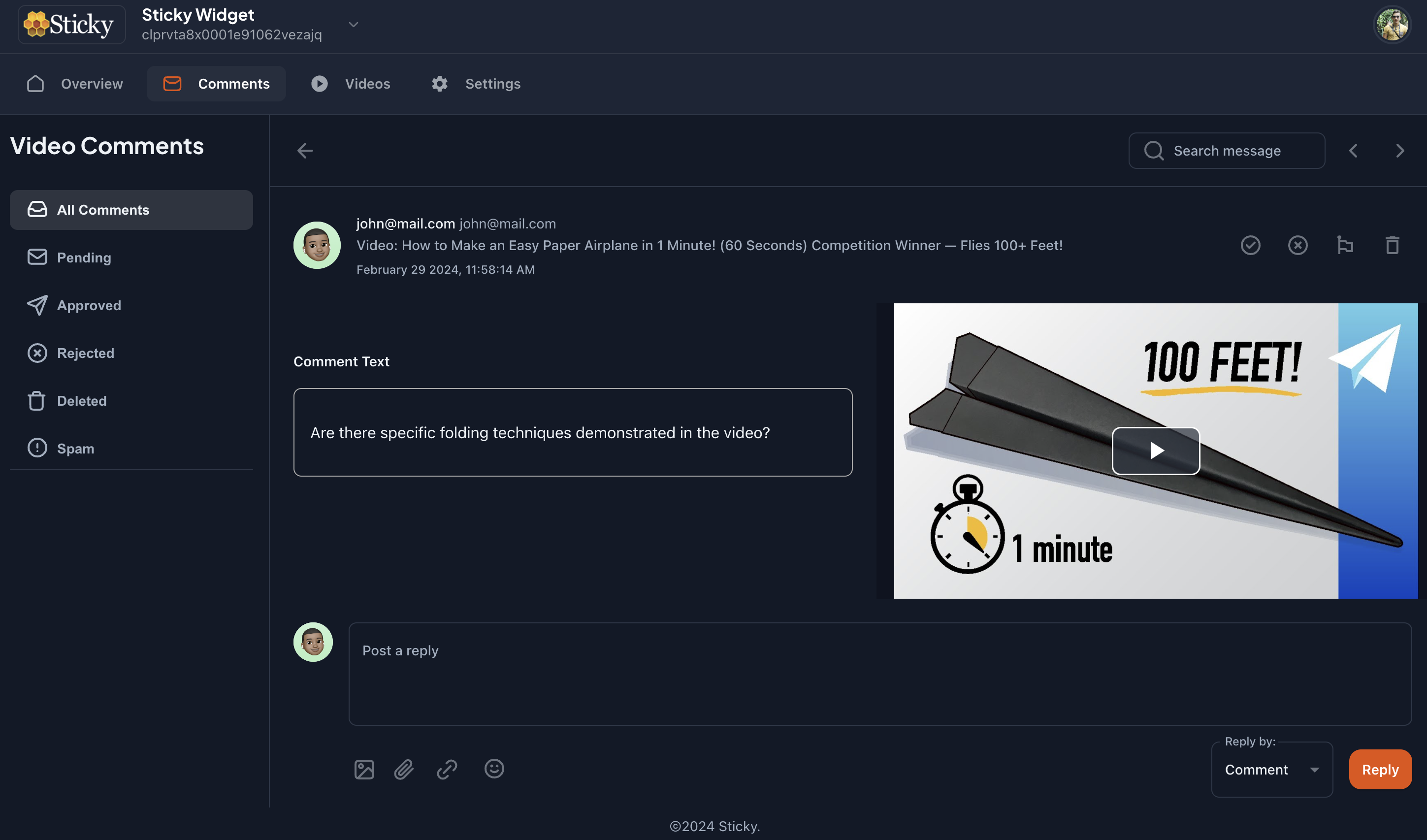
Manage comments with the following options:
- Approve: Confirm and publish the comment.
- Reject: Decline the comment, removing it from view.
- Delete: Permanently remove the comment.
- Mark as Spam: Flag the comment as spam to filter out unwanted content.
Video
View the video associated with the comment to better understand the context. This helps in evaluating the comment more accurately.
User Information
Review details about the user who made the comment:
- User Avatar: Visual representation of the user.
- User Name: Display name of the user.
- User Email: Email address of the user.
- Comment Video: The video related to the comment for additional context.
Comment
Read the content of the comment submitted by the user. This section displays the text of the comment for your review.
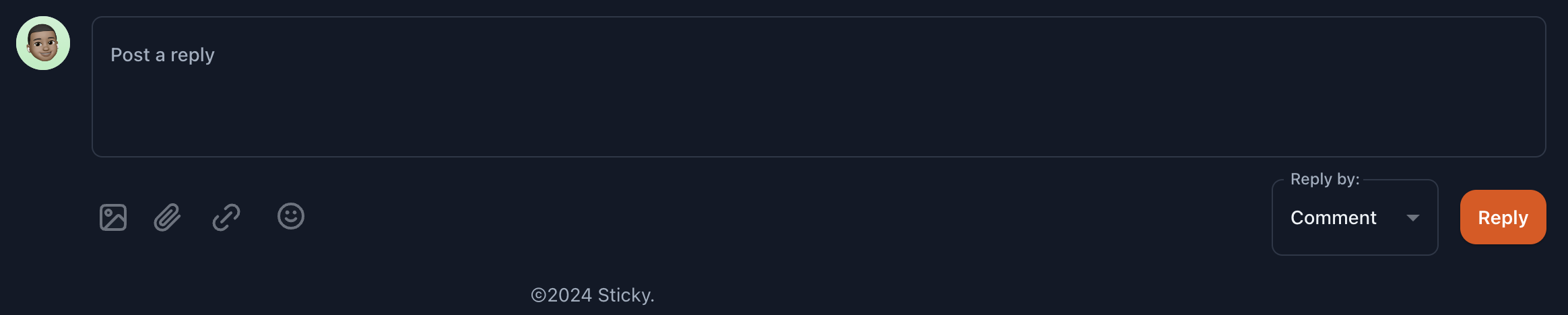
Reply Box
Respond to the comment using the reply box. You have two options for replying:
- Direct Comment Reply: Type your response in the box and submit.
- Email Reply: Select the option to reply via email from the dropdown. The user will receive your response directly in their inbox.