General Dashboard Page
Welcome to the general dashboard page! This page provides an overview of general view for your application.
Overview
The general dashboard page is designed to give you a high-level view of your application's. Here you can access and manage user accounts, widgets, view application usage data and configure application settings.
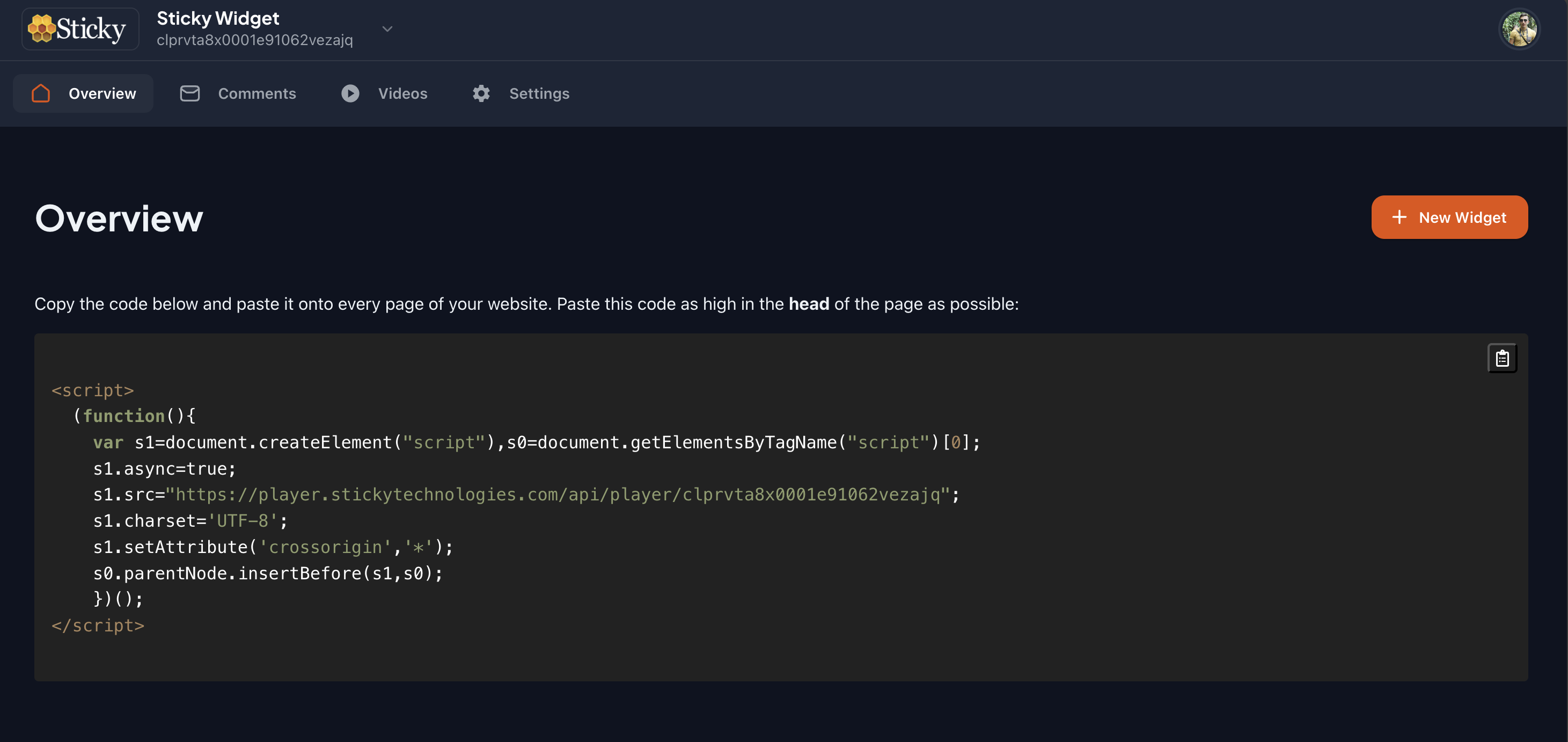
General Features
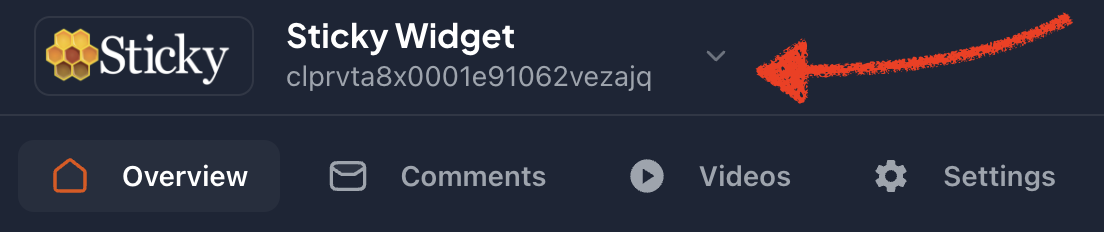
Widget Selector
The widget selector allows you to switch between different widgets and view the corresponding data. You can select the widget you want to view from the dropdown menu.
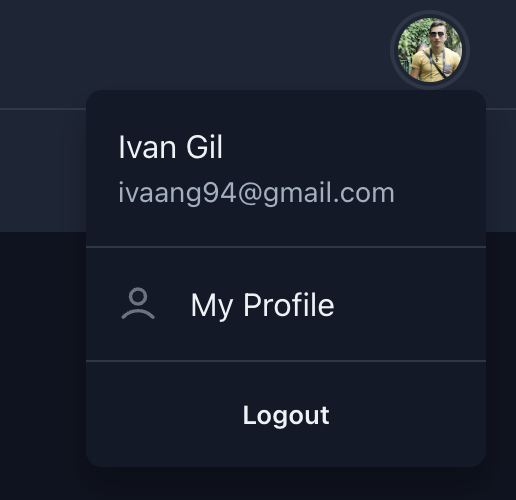
User Menu
The user menu allows you to access your account settings and log out of the application.
See more
Sections
- Overview: Manage user accounts and permissions.
- Comments: View and analyze application usage data.
- Videos: Configure application settings and preferences.
- Settings: Access and review application logs.
- My Profile: Manage your account settings and preferences.
Next Steps
Now that you have a general understanding of the dashboard page, you can start exploring the various features and functionalities it offers. Use the navigation menu to access different sections and dive deeper into specific sections.
If you have any questions or need assistance, please feel free to reach out to our support team. We are here to help you get the most out of your application and ensure a seamless user experience.