Overview
The dashboard is the first page you see when you log in to your account. It provides a quick overview of your account and allows you to access the different sections of the platform.
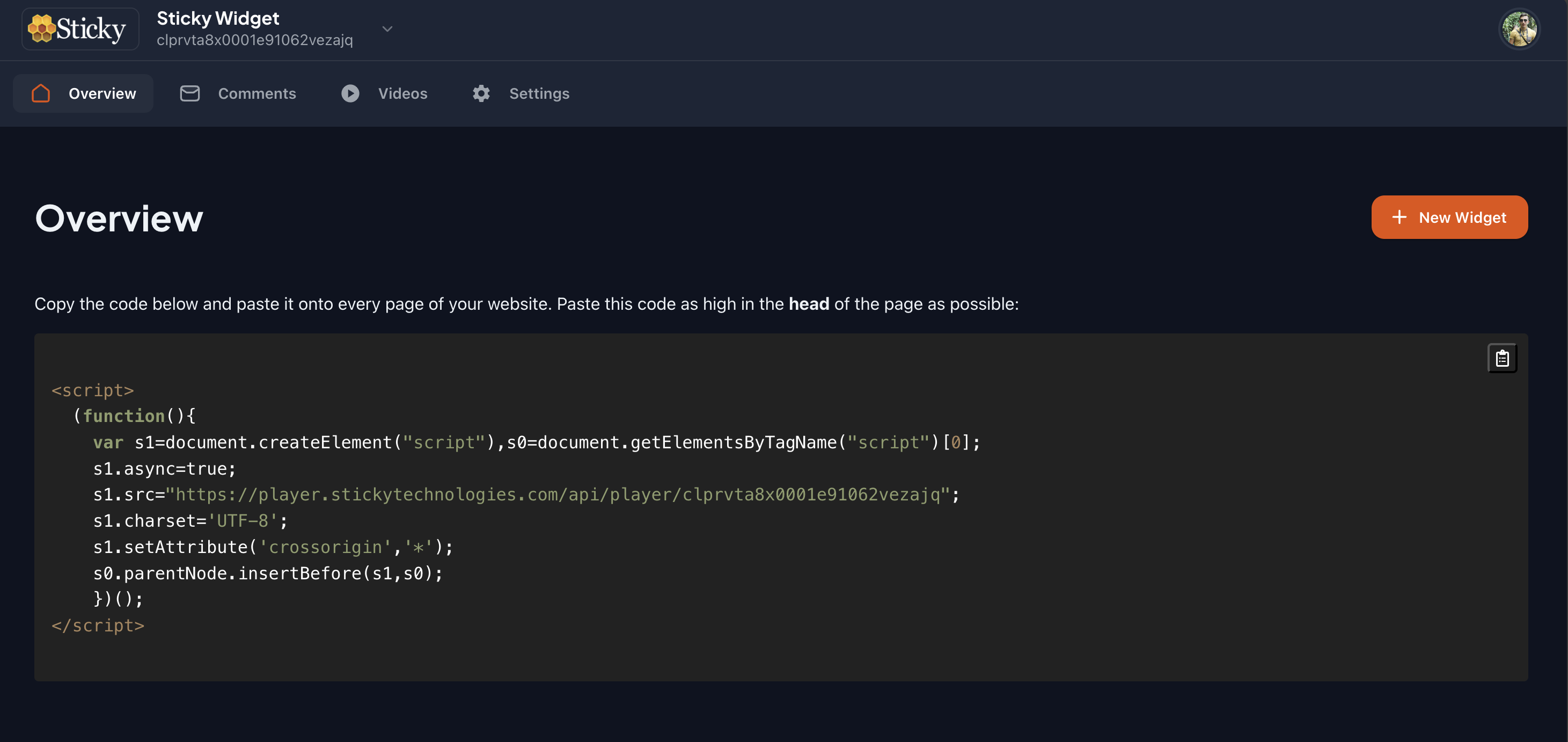
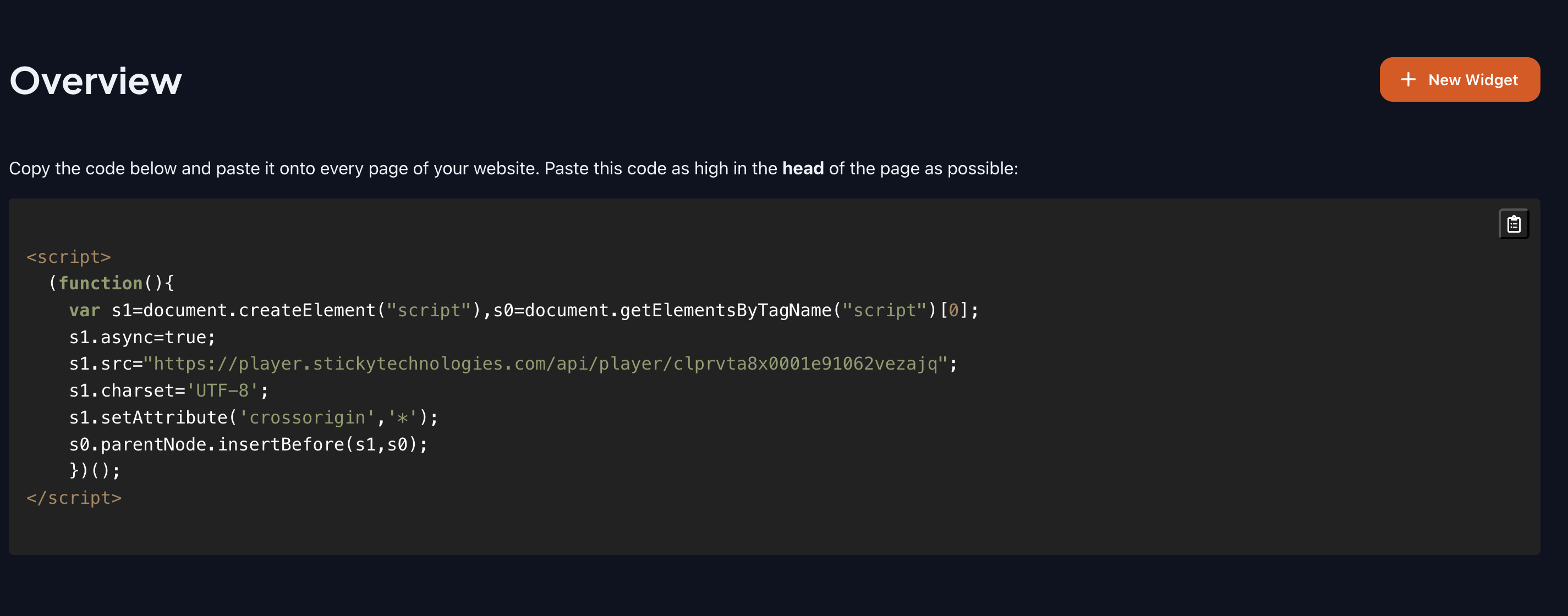
Widget code
The widget code is a unique identifier that allows you to embed widgets on your website or application. You can generate widget codes for different widgets and customize them to suit your needs.
Create a new widget
To create a new widget, follow these steps:
- Click on the 'Create Widget' button.
- Name your widget.
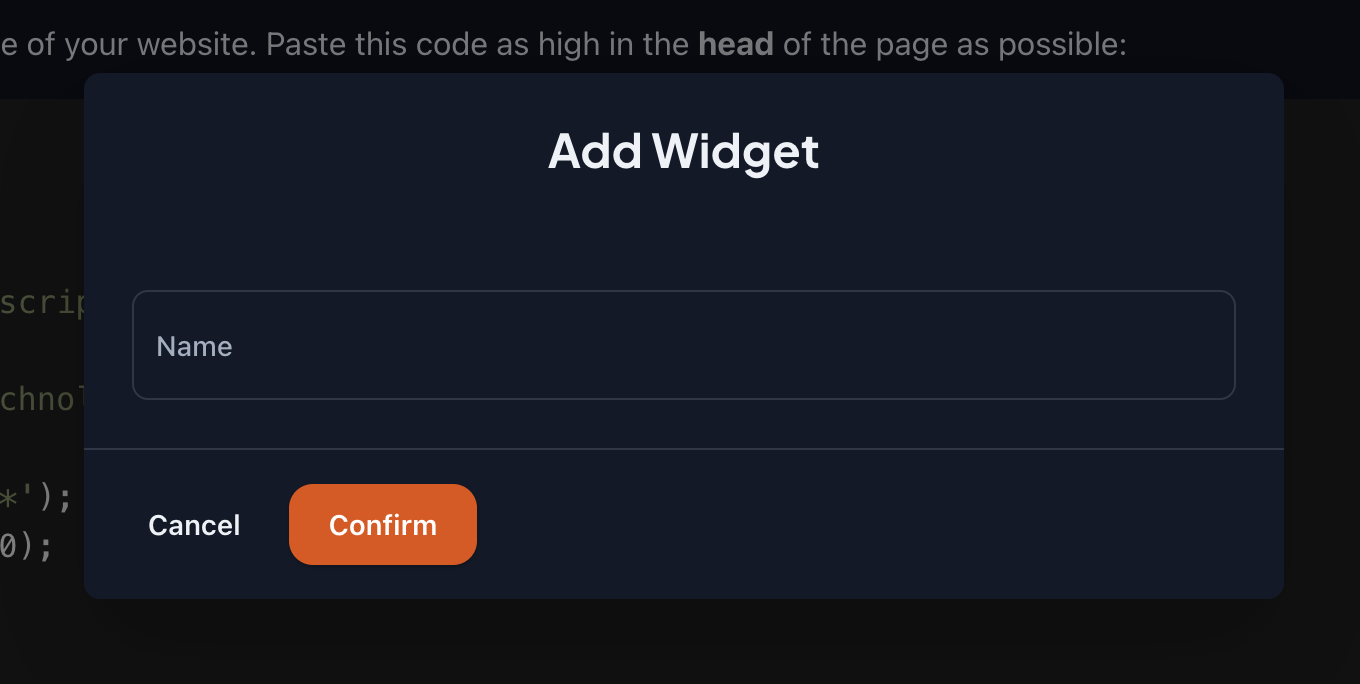
- Confirm your changes.
After creating a new widget, you will be able to customize it further and generate a widget code to embed it on your website or application.
Once you have created a widget and embedded it on your website, you can start using it to register videos and handle comments.