Video Item
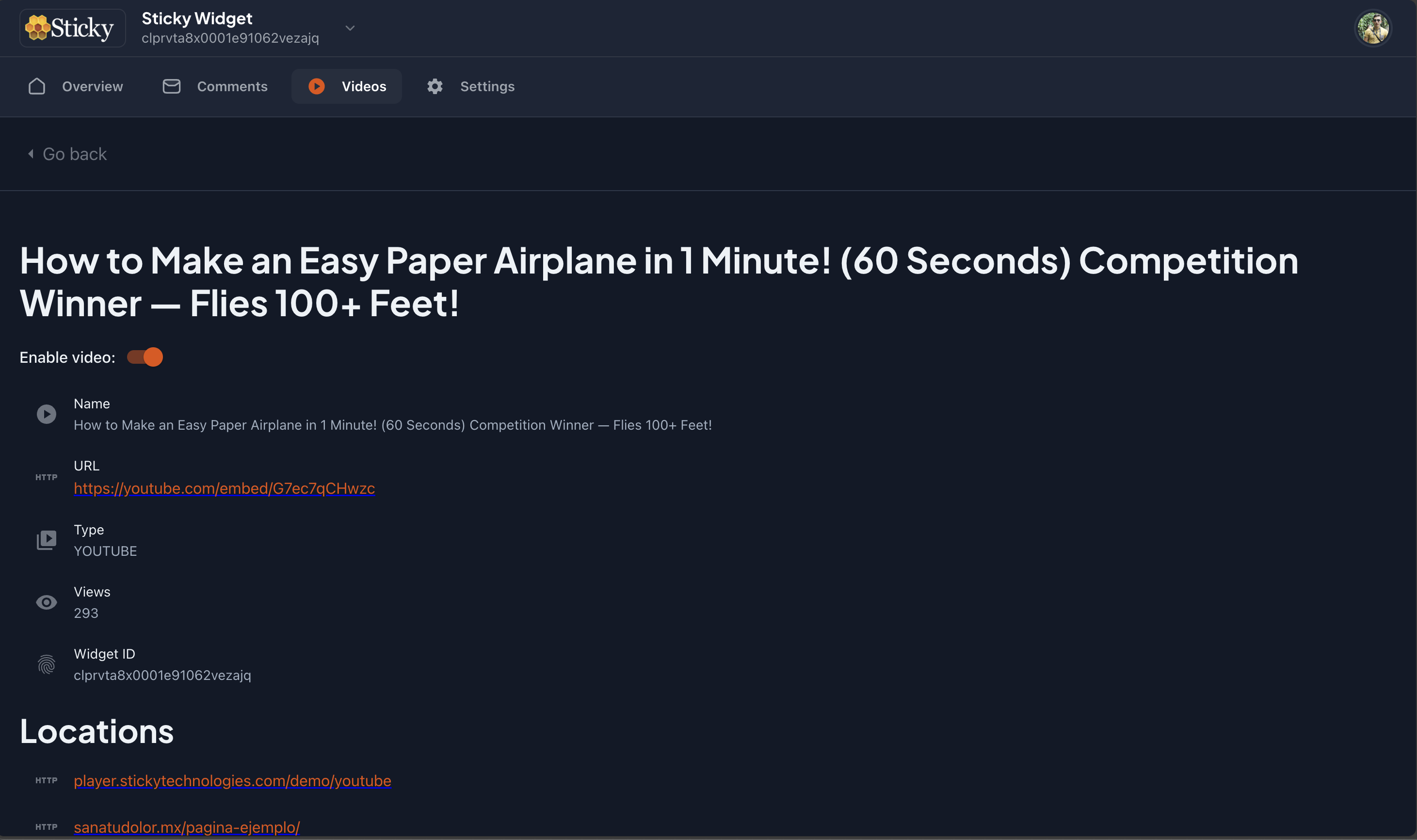
This is the video item page. Here you can see the following information about the video:
Note:
By default, the videos are disabled to pop-up the Sticky Player. You can enable it clicking on the video item and once you are in the video detail page, you can enable it toggle the switch.
Locations
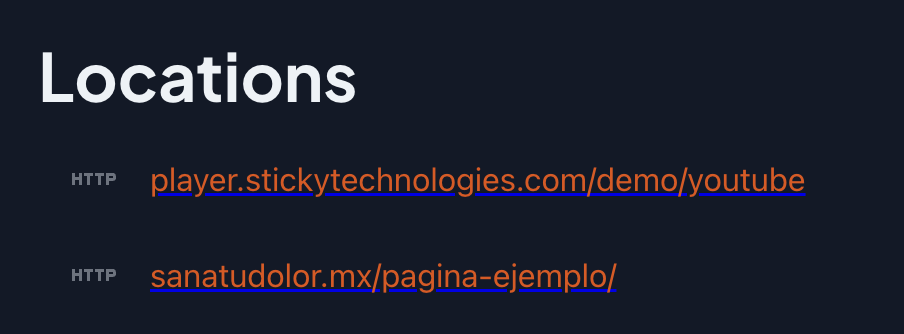
The locations section shows the locations where the video is being watched. You can see the following information about the location:
Groups
The groups section shows the groups that belong to the video. You can assign users to groups, and then assign groups to videos. This way, you can control which users can moderate the video.

Note:
The groups selector its a autocomplete input that allows you to search for groups by name. If the group does not exist, you can create it by typing the name and after pressing the enter key.