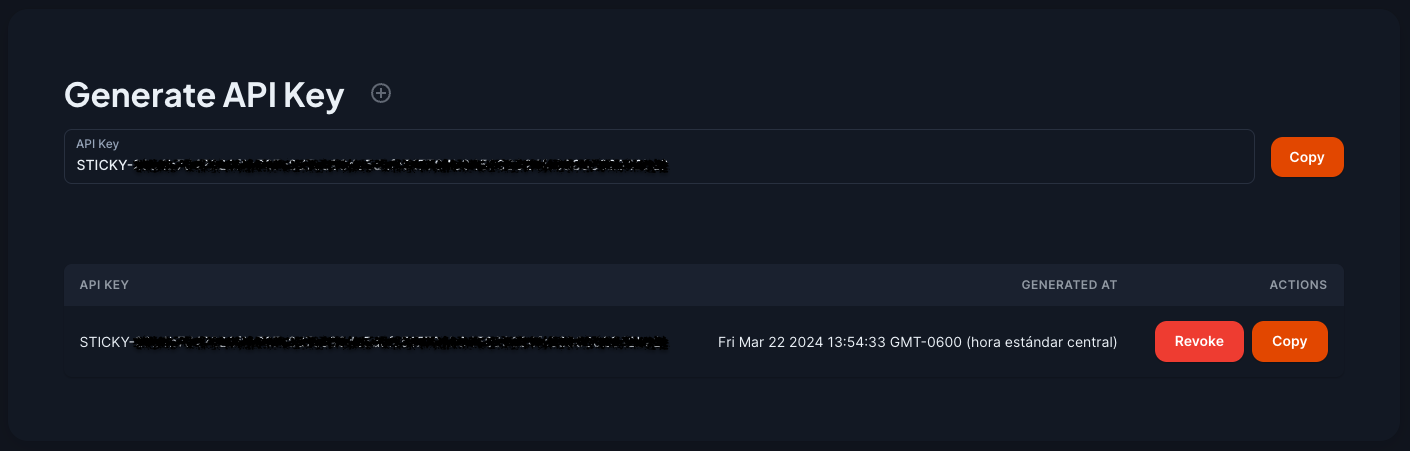
Generate API key
Generate your key
First, you need to generate your API key, follow the next steps to archieve it:
- Go to the dashboard.
- Click on 'Settings' tab, and scroll down.
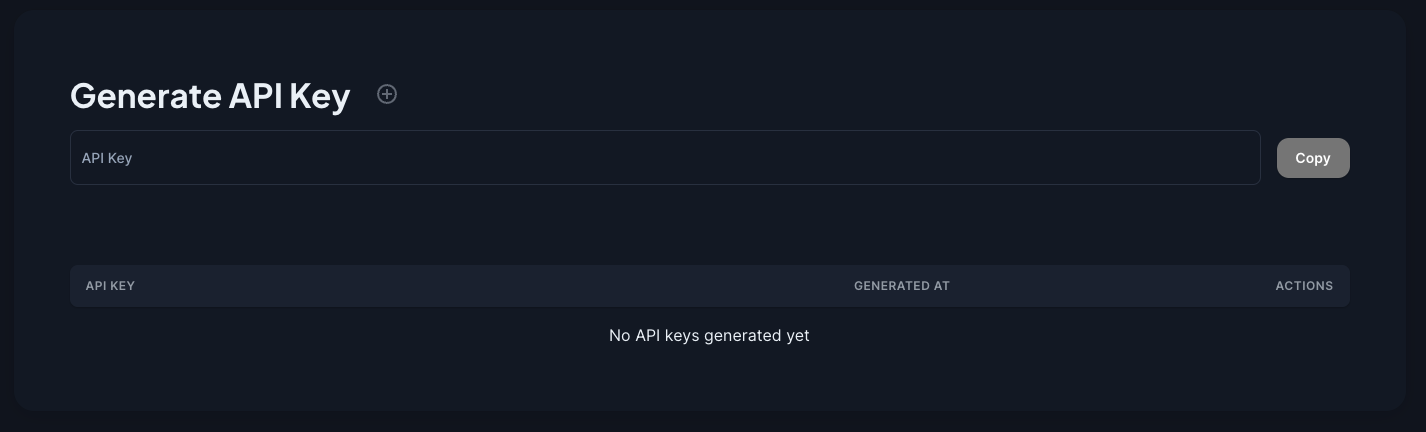
- You be able to see the 'Generate API key' section.
- If you want to generate a new key, click on '+'.
After generate the key, you will be able to copy the key, and also handle it from the table. You can see, copy or revoke keys.